README.md
9900 bytes · Original / download
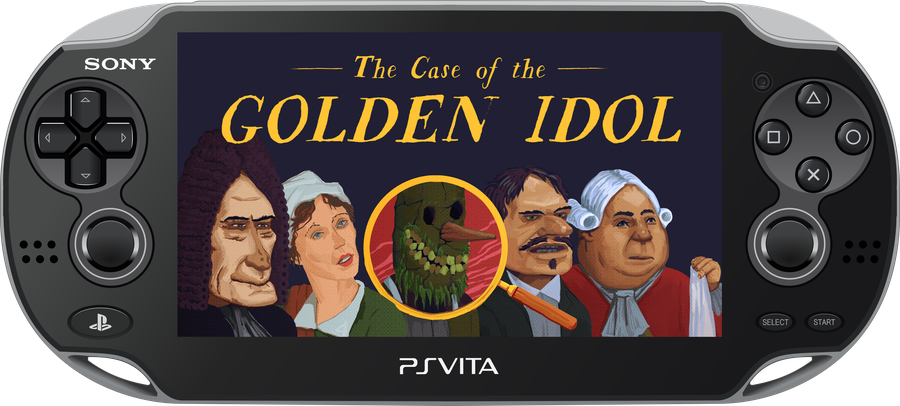
The Case of the Golden Idol - PS Vita Port
A port of The Case of the Golden Idol for the PlayStation Vita, adapted from the original Godot Engine PC release. This repository contains the source scripts, patching engines, and tools created to adapt the game to run natively on the PS Vita hardware.
Installation
- Head to the Releases tab.
- Download the latest
GoldenIdol-Patch.zipandGoldenIdol-Vita-x.x.x.vpk. - Extract
GoldenIdol-Patch.zipinto a new folder on your PC.
HOW TO APPLY THE PATCH:
- Open Steam, right-click on "The Case of the Golden Idol", go to Manage -> Browse local files.
- Copy the file named
game.pckfrom that folder. - Paste the
game.pckfile EXACTLY INTO THEDataSteamFOLDER of your extracted patcher. - Go back to the main patcher folder and run
ApplyPatch.bat. Follow the on-screen instructions to select your language. - Wait for the process to finish. It will automatically apply the patch and create a new folder named
game_datacontaining your patched game file. - Install the
GoldenIdol-Vita-X.X.X.vpkon your PS Vita using VitaShell or FMVita (my personalized VitaShell). - Connect your Vita via FTP or USB, and copy the entire newly created
game_datafolder into your Vita's game app folder at:ux0:app/IDOL00001/(This ensures the file ends up exactly atux0:app/IDOL00001/game_data/game.pck, not just the root app folder). - Have fun!
⚠️ Note: You MUST own the original game on Steam to generate the Vita playable files. No game assets are provided in this repository.
UPDATE NOTICE: IF YOU WISH TO UPDATE THE GAME, PLEASE UPDATE THE GAME FILES AS WELL ('game.pck'), NOT JUST THE VPK. Rest assured, save files are not lost when uninstalling or updating the game (they are stored in 'ux0:data\godot\app_userdata\The Case of Golden Idol...).
Controls (Controles)
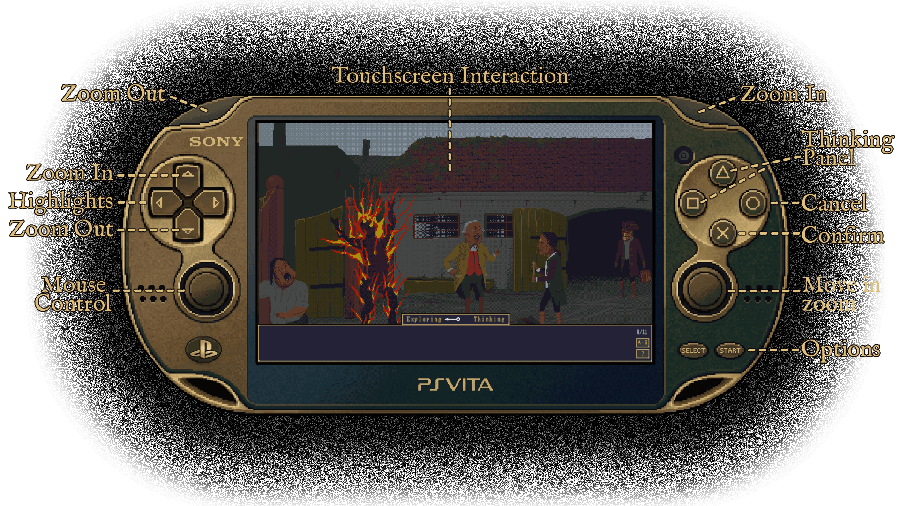

 | Zoom In / Zoom Out |
 | Confirm / Interact |
|
 | Show / Hide highlights |
 | Cancel / Back |
|
 | Move while zoomed |

 | Open Thinking Panel |
|
 | Mouse control | **SELECT** | Options |
|
 | Interact (click) | | |
Screenshots
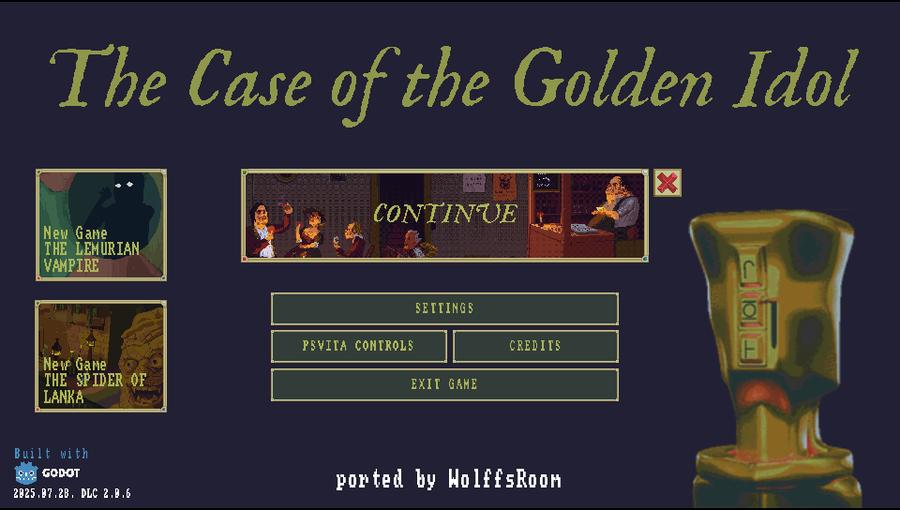
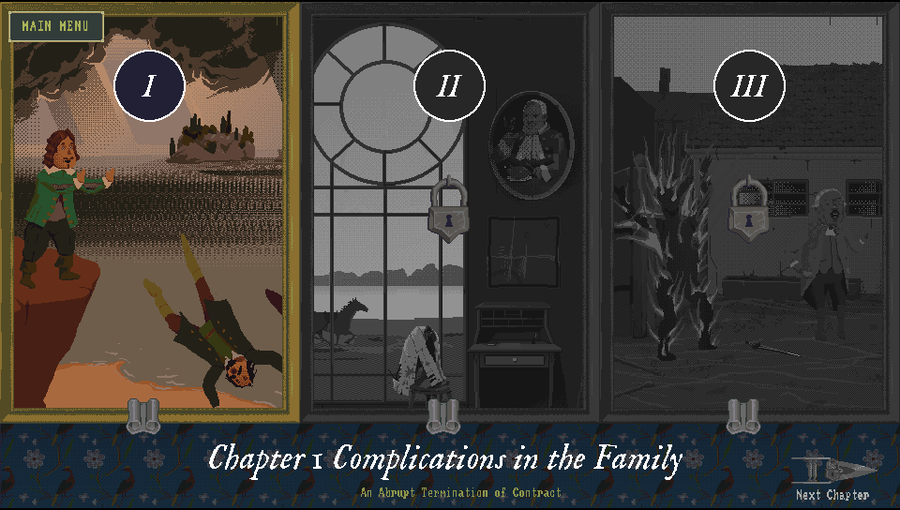
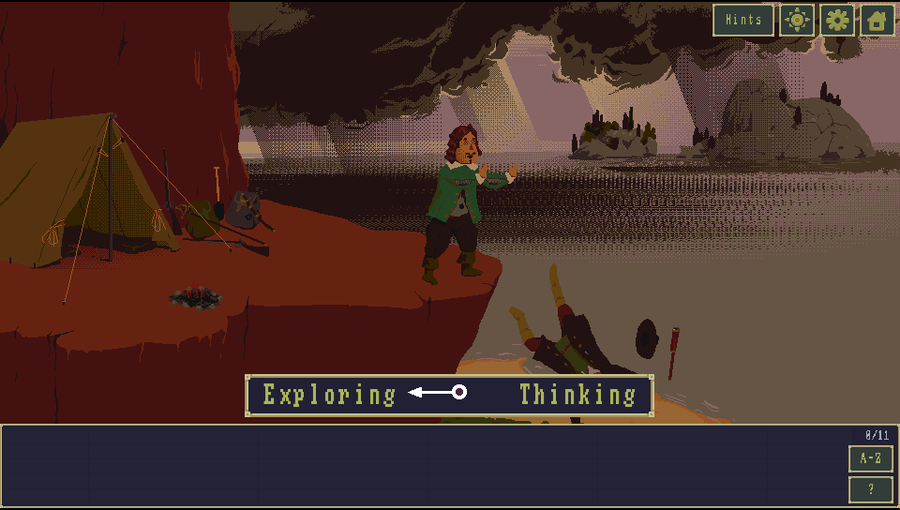
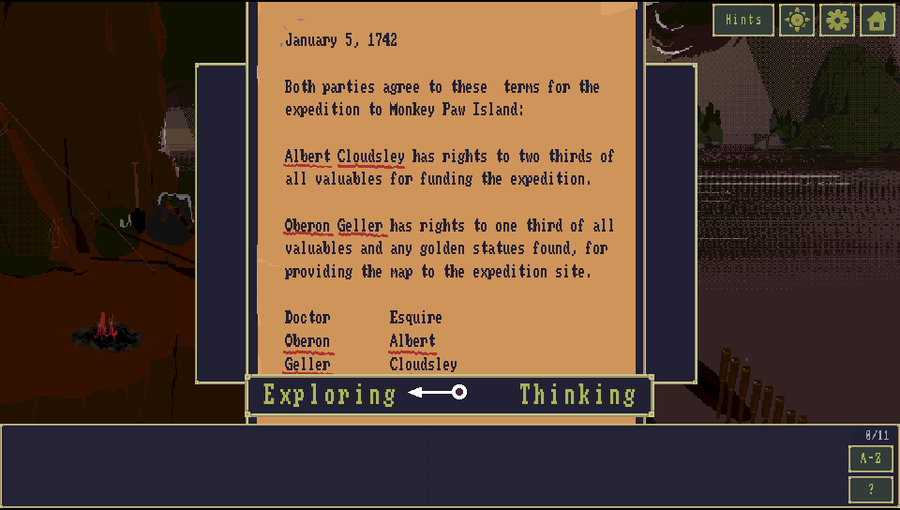
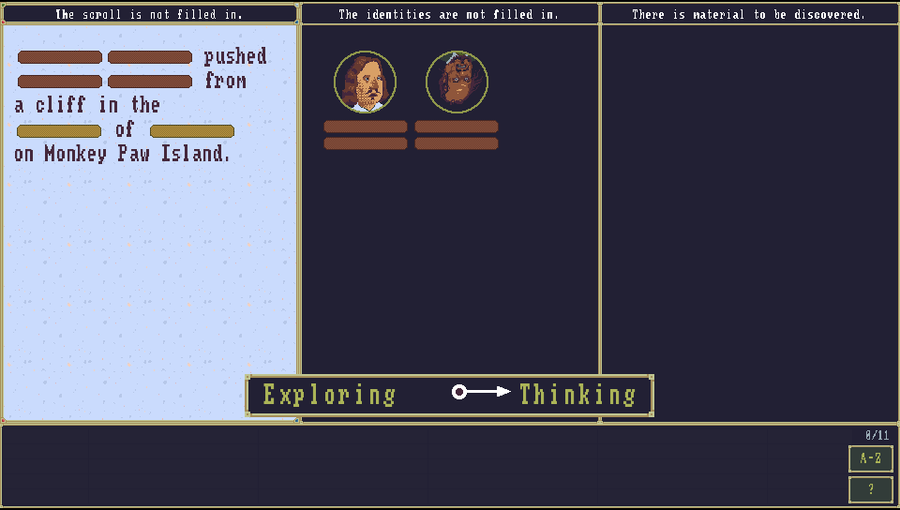
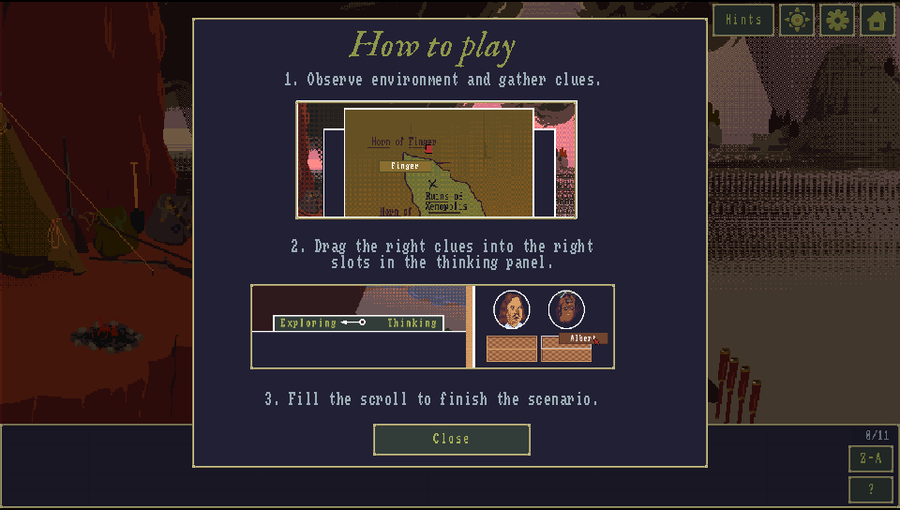
Main Tools Used
This port was made possible thanks to the following incredible tools:
GDRE_Tools
- Purpose: Used to extract the original PCK from the Steam version, allowing the project to be reconstructed and opened in the Godot Engine.
- Source: https://github.com/GDRETools/gdsdecomp
GODOT PSVita
- Purpose: Used to compile the final
.vpkfor the Vita, and modify essential game files to improve the interface and adapt playability for the console. - Source: https://github.com/SonicMastr/godot-vita
AssetStudio
- Purpose: Used to explore the files of the Unity version of the game (REDUX version), with the main goal of creating a tool to migrate the newly translated languages back to the Godot version.
- Note: The translation project is still a work-in-progress, I currently adding accentuation support to the TTF fonts used by the game.
- Source: https://github.com/Perfare/AssetStudio
Python Automation Tools
A set of .py tools automate the adjustments needed to fit the PC assets within the PS Vita constraints. They now live in the Tools/ folder, organised by category (see Tools/README.md for full details and usage):
Tools/stex/ — low-level .stex (StreamTexture) format operations
| Script | Purpose |
| :--- | :--- |
| fix_vram_textures.py | Repoints VRAM (mode=2) textures to the RGBA4444 variant the Vita can actually render (fixes white/black textures). |
| fix_webp_stex.py | Swaps large lossless-WebP .stex that the Vita can't decode for their uncompressed variant. |
| halve_stex.py | Downscales an uncompressed RGBA4444 .stex 2x (packing-agnostic). |
| resize_stex.py | Fractional (num/den) downscale of an uncompressed RGBA4444 .stex. |
Tools/textures/ — texture / asset optimisation
| Script | Purpose |
| :--- | :--- |
| lossless_vita_optimizer.py | Repacks oversized textures into Power-of-Two grids and rewrites the scene Rect2 coords. |
| build_beach_textures.py | Rebuilds the DLC beach scene textures (dithered RGBA4444 + frame repack) for CDRAM. |
| adjust_anim.py | Choreographs the custom "Ported by WolffsRoom" splash animation into the boot sequence. |
| fix_idol_animation.py | Restores the splash statue atlas and applies bilinear filter + scale tweaks. |
Tools/project/ — project hygiene
| Script | Purpose |
| :--- | :--- |
| cleanup_unused.py | Detects and moves unused scenes + prototype images out of the build (smaller PCK), with an undo manifest. |
| restore_imports.py | Selective import strategy (lossless for NPOT, VRAM for POT) to avoid the PowerVR GPU crash. |
Tools/vita/ — Vita platform configuration
| Script | Purpose |
| :--- | :--- |
| apply_vita_settings.py | Forces the Vita target settings into project.godot. |
| patch_sfo_extended_memory.py | Patches PARAM.SFO for the extended memory mode. |
Tools/patches/ — GDScript / content patches
| Script | Purpose |
| :--- | :--- |
| fix_steam_issues.py | Removes Steamworks dependencies that would crash the console runtime. |
| patch_dlcs_v2.py | Unlocks both DLCs (Spider of Lanka & Lemurian Vampire) locally. |
| patch_credits_v4.py | Injects the custom port splash into the boot/credits sequence. |
| improvements.py | Input/control rewrites (virtual cursor, zoom, Select -> cancel). |
Tools/trophy/ — trophies
| Script | Purpose |
| :--- | :--- |
| build_trp.py | Packs the Steam-derived trophy set into a PS Vita TROPHY.TRP (NoTrpDrm format). |
The distributable patcher engine (
build_patch.py,patch_apply.py,patch_engine_animated.py) ships with the patcher in the Releases tab.
Improvements for the PS Vita
Since this port is based on the Godot version, I took the liberty (as it was easy) of reworking several parts of the game to make it feel native on the console:
Controls and input: - Mouse support: Virtual cursor/mouse system driven by the analog stick. - Reworked controls: Replaced the original Xbox-style scheme to make better use of the PS Vita's buttons. - Help screen: The on-screen command list now shows the real PS Vita controls instead of the PC ones. - "O" (Cancel) fix: It was mapped to both accept and cancel, causing menus to close and immediately reopen; it now performs cancel only. - Mouse Speed setting: Configurable cursor speed slider under Settings.
Zoom: - Progressive zoom: Holding L/R or D-Pad Up/Down now zooms smoothly (continuous) instead of fixed steps, both for the scene camera and the Thinking Panel. - Thinking Panel zoom: Zoom the deduction board (up to 3x) to read the text on the small screen, with an opaque backdrop so the game scene is never exposed at the edges. - Hint zoom: The hint illustrations can be zoomed and panned the same way.
Visual and UI:
- Touch-optimized screens: Reworked screens such as the main menu (splash_screen_dlc) for the touch screen.
- Screen-opening animations: Added/improved animations for menus, dialogs and transitions.
- Scene-only transitions: The black transition between locations now only covers the scene, keeping the toolbar visible.
- Overhauled Credits & Discord supporters screens: Rolling credits that return automatically when finished.
- Brightness setting: New Settings slider that fades the screen darker or lighter.
- Object-description box: Fixed the text centering inside the item description box.
Planned Improvements
- v0.8.0
- Put trophy support.
- Set a performance improvements during scenario transitions.
- v0.9.0
- Put support for the OST DLC.
- v1.0.0
- Put language switching in the patcher for the generated PCK, using data from the Unity version.
Known Issues
- Just a slightly longer loading time for screens and levels, nothing serious (about 5 seconds).
IA Notice
This project utilized Gemini 3.1 Pro through the Antigravity IDE to optimize the creation of the Python scripts, compile differential patchers, and automate the extensive pipeline needed to port the Golden Idol Godot project to the PS Vita.
Follow my other work here as well: https://wolffsroom.wordpress.com/