README.md
18343 bytes · Original / download
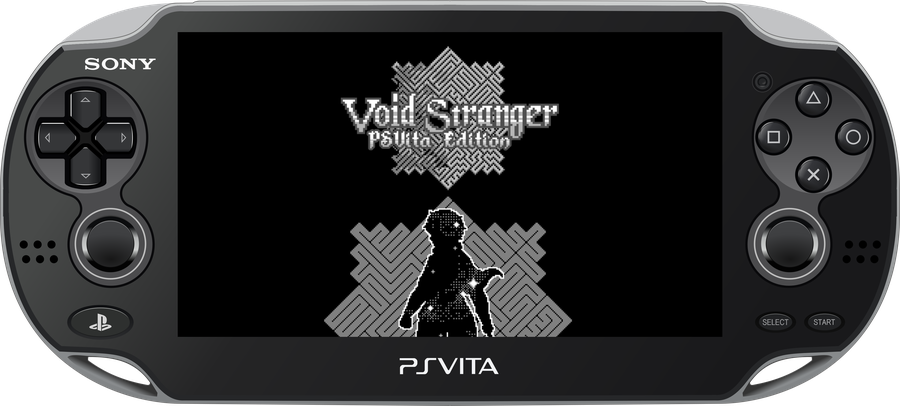
An unofficial native port of Void Stranger for the PlayStation Vita.
The project runs the original Windows/Steam GameMaker data through a customized version of Butterscotch, with rendering provided by VitaGL. The Vita port includes native controls, multilingual support, Vita-specific graphics options, palette/tone control, runtime texture caching, native startup video playback, native trophies and optimized audio.
This repository and its releases do not include the complete commercial game data. A legitimate Steam copy of Void Stranger 1.1.3 is required.
Project Status
The game is fully playable, with virtually all rooms redesigned. Some FPS drops may occur during battles with heavy effects.
### Support this and other projects _If you enjoy my work, consider supporting the development!_ [[image: Buy Me A Coffee]](https://www.buymeacoffee.com/5rsrt7j4z8f)
Installation Guide
Requirements
- A legally obtained Steam copy of Void Stranger 1.1.3;
- Plugin kubridge (
kubridge.skprx); - Plugin FdFix (
fd_fix.skprx), unless you use rePatch; - Plugin
libshacccg.suprxinstalled on the Vita. - Plugin NoTrpDrm (
NoTrpDrm.suprx) for native trophy (Optional).
Add the kernel plugins to ux0:tai/config.txt under *KERNEL:
*KERNEL
ux0:tai/kubridge.skprx
ux0:tai/fd_fix.skprx
[!NOTE] Do not install
fd_fix.skprxtogether with u have a rePatch Plugin.
HOW TO APPLY THE PATCH:
The Void Stranger Vita Patcher v2.1 requires an official, unmodified Steam installation of Void Stranger 1.1.3.
- Purchase and install Void Stranger on Steam.
- Download
VoidStranger-vX.X.vpkandVoid Stranger Vita Patcher vX.X.zipfrom the latest release. - Extract the patcher ZIP and run
VoidStrangerVitaPatcher.exe. - Select or drag the official Steam
Void Strangerinstallation folder when requested. - Choose an output directory and wait for the patcher to generate the
voidstrangerfolder. - Copy the generated
voidstrangerfolder toux0:data/on the PS Vita. - Install
VoidStranger-vX.X.vpkusing VitaShell. - Start the game. On the first boot, the Vita generates its BC3/RGBA4444 texture cache automatically. This first startup can take longer than subsequent boots.
[!IMPORTANT] Do not copy old
pvr/ortexture-cache/folders from previous builds. Current releases generate these caches directly on the Vita from the activedata.win.
Folder Structure
Before the first boot, the generated data should look similar to:
ux0:data/voidstranger/
|-- data.win
|-- audiogroup1.dat
|-- audiogroup2.dat
|-- voidstranger_data.csv
|-- options.ini
|-- splash.png
|-- intro/
|   |-- IntroVoidStranger.mp4
|   |-- LongVideo.mp4
|   `-- skip.png
`-- Languages/
    |-- EN/
    |-- FI/
    |-- ES/
    |-- FR/
    |-- IT/
    `-- PTBR/
After the first boot, the Vita creates its own pvr/, texture-cache/ and save-related files as needed.
Native loading and cache generation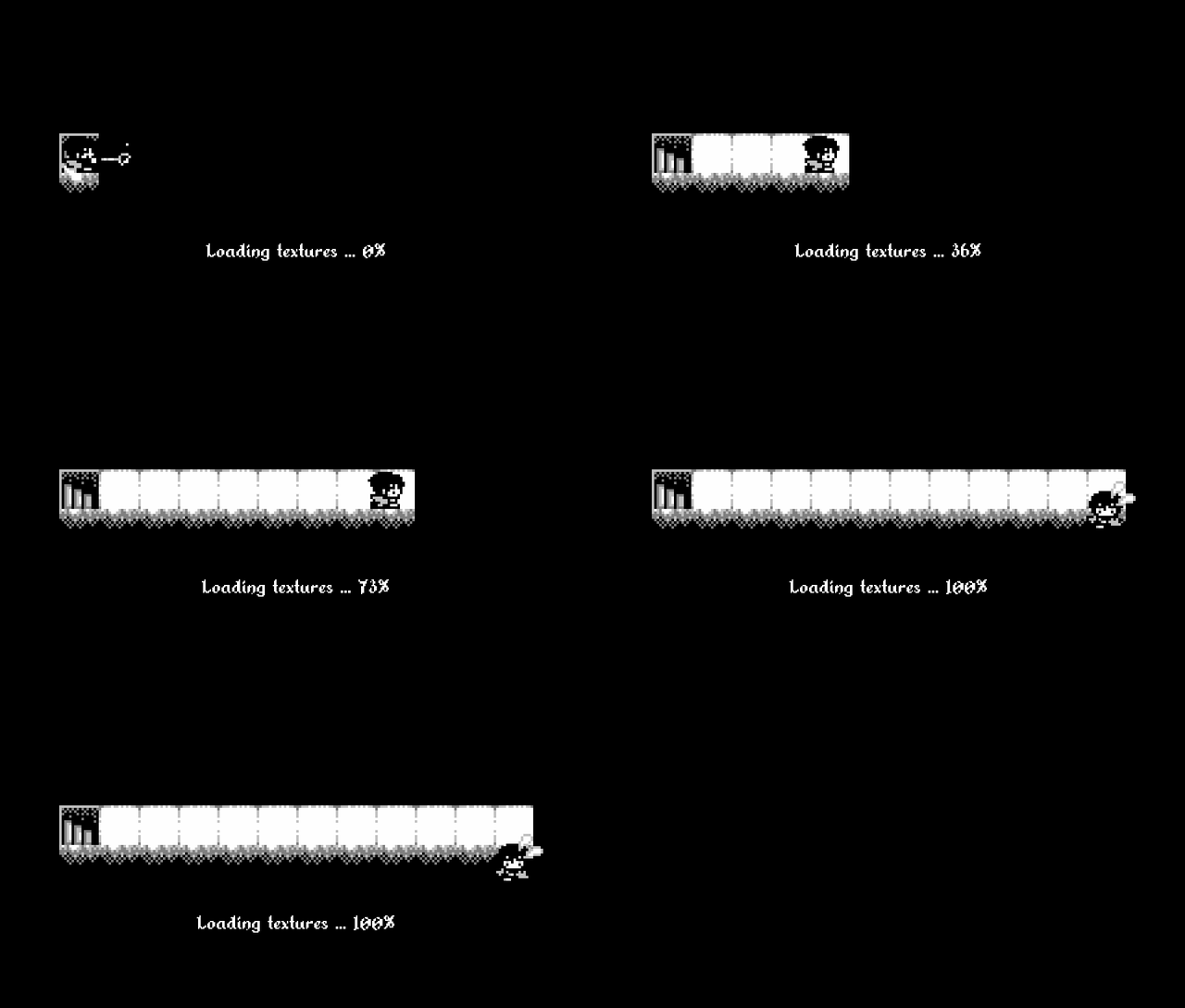
The first boot prepares the Vita-side texture cache from the active game data. Later boots reuse the generated cache. |
Sera installation assistant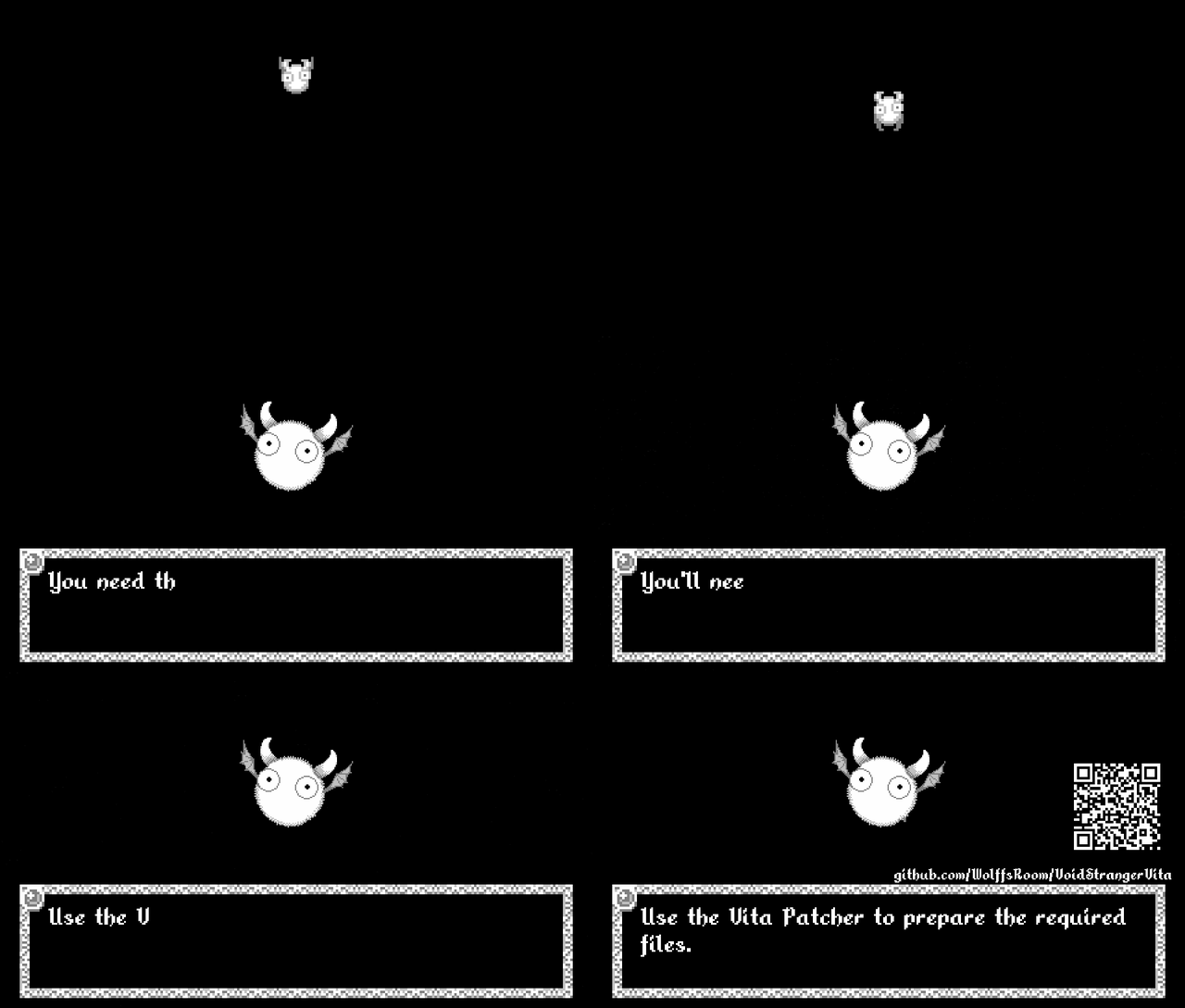
When required data is missing or misplaced, the v2.1 assistant checks ux0:data/voidstranger/, helps organize unambiguous files and points the player to the patcher when a clean data set is required.
|
Supported Languages
| Language | Code |
|---|---|
| English | EN |
| Finnish / Suomi | FI |
| Spanish / Español | ES |
| French / Français | FR |
| Italian / Italiano | IT |
| Brazilian Portuguese / Português do Brasil | PTBR |
The multilingual implementation is based on work from Void Stranger International, with Vita-specific integration and Brazilian Portuguese support included in the patcher.
Control Layout
The Vita build uses the controller graphics stored in assets/controls/, matching the visual language of the in-game controller reference.
| PS Vita | Control | Action |
|---|---|---|
| D-Pad / Left Stick |


|
Move / navigate |
| Cross |

|
Action / confirm |
| Circle / Square |


|
Secondary action / cancel |
| Triangle |

|
Menu / original C action |
| Start | START | Enter / pause / resume |
| Select | SELECT | Escape / back |
| L |

|
Original Page Down action |
| R |

|
Original Page Up action |
Touch support
The front touchscreen is used contextually rather than replacing the physical controls. In v2.1:
- menus and the in-game trophy browser accept touch input for selection and scrolling;
- the special fruit/orange interaction can be confirmed by a fresh touch on the front panel when
obj_orange.can_eatis active; - that fruit touch behaves like a single Cross press and intentionally does not auto-repeat while the screen is held;
- normal movement and regular gameplay remain on the Vita buttons, D-Pad and analog stick.
[!NOTE] The in-game Settings > Graphics menu includes VSync, FPS mode, brightness, Stretch Screen and the original palette/tone presets. The obsolete desktop Scaling entry is hidden on Vita.
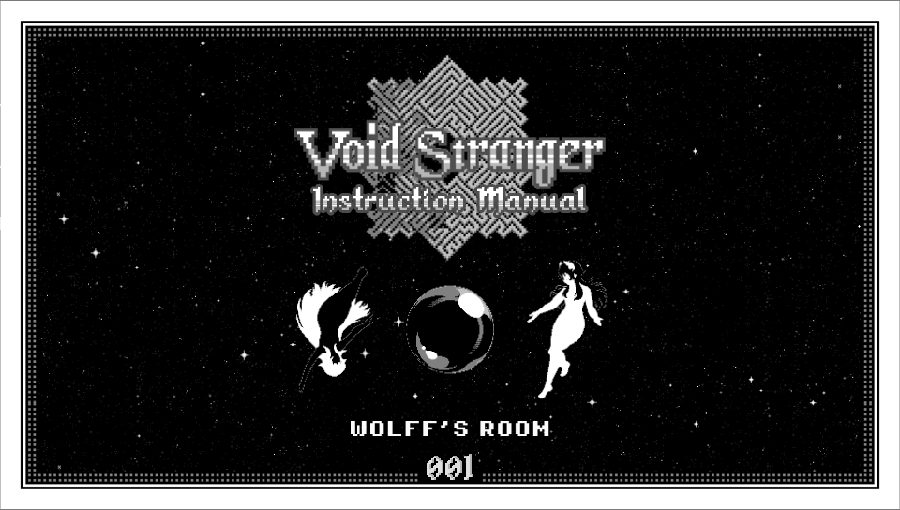
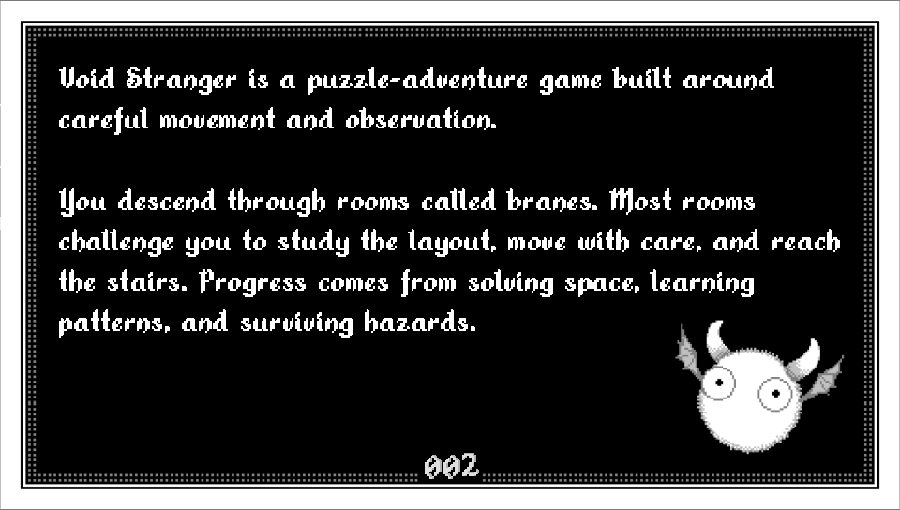
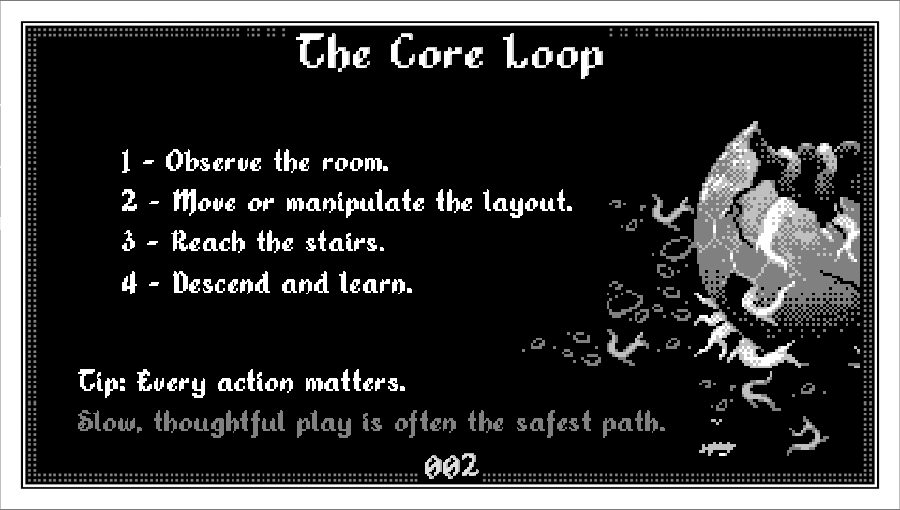
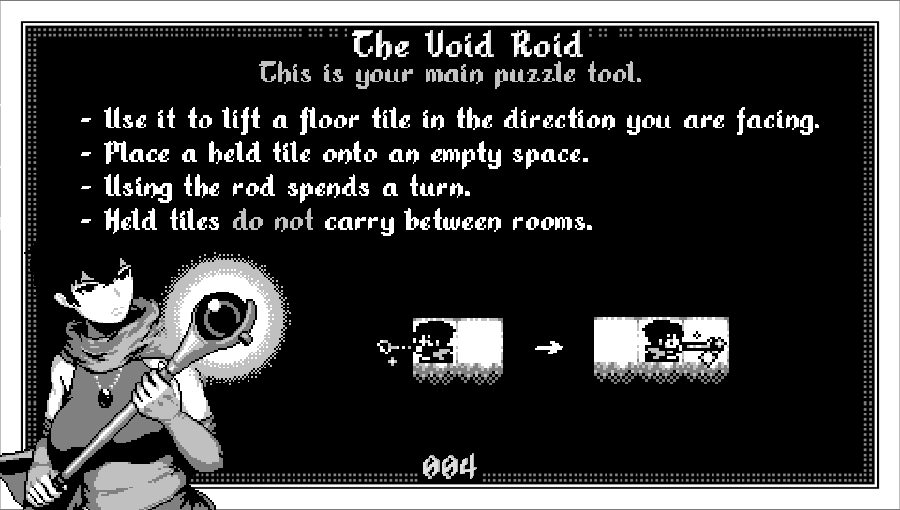
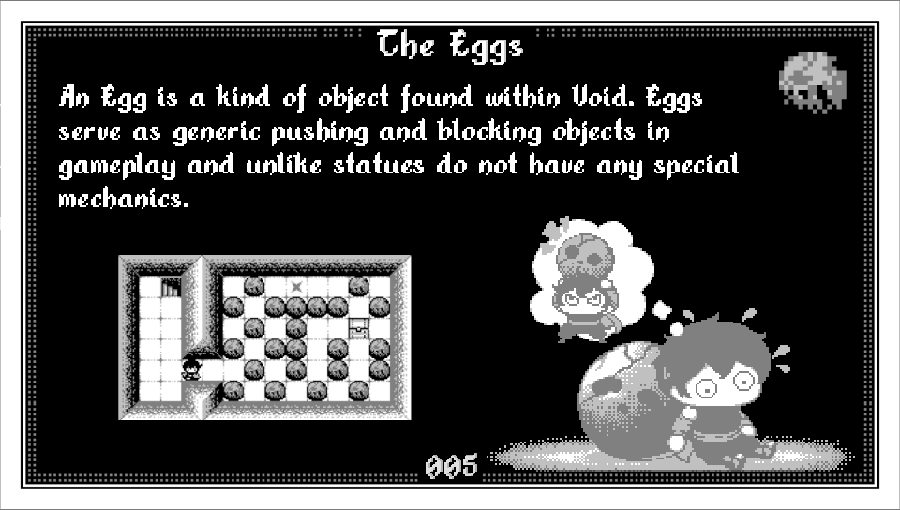
Manual for PS Vita Edition
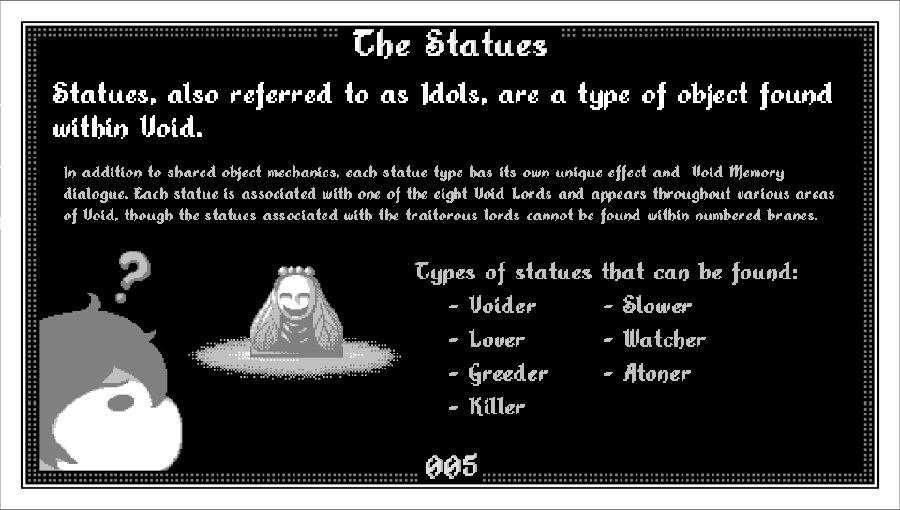
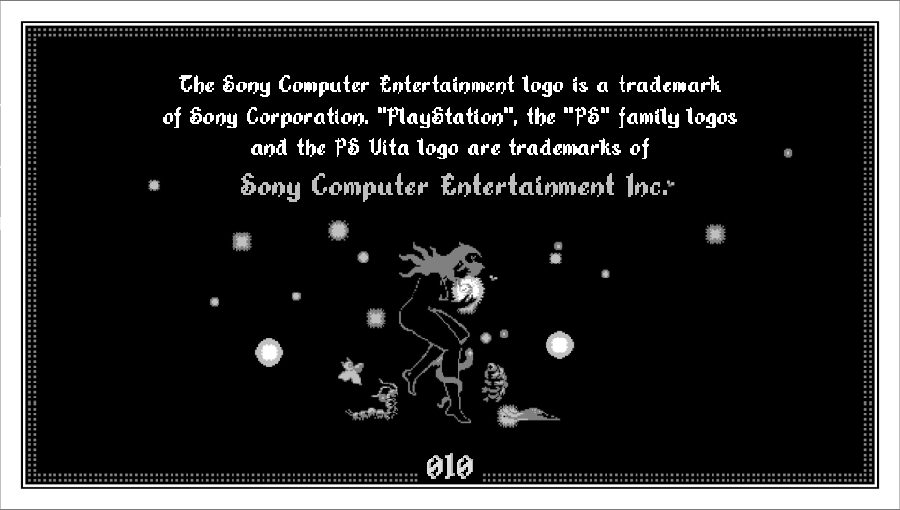
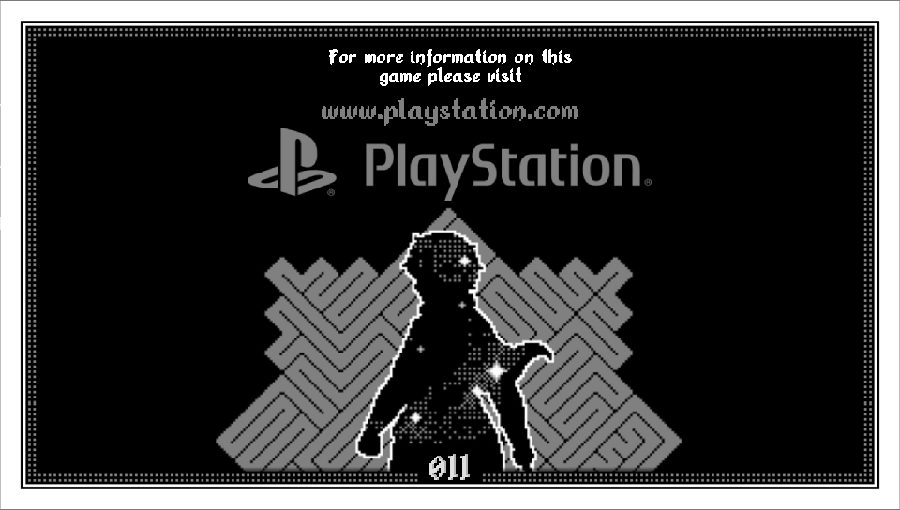
The VPK includes an eleven-page PS Vita manual. Small previews are shown below; the source pages live in assets/manual/manual/.
Toque para visualizar o manual (ainda em progresso).
Toque para visualizar o manual (ainda em progresso).
Native Trophies
Void Stranger Vita v2.1 includes a 30-entry trophy set with native PS Vita trophy support, an in-game trophy browser and unlock notifications.
Native trophies use communication ID VSTR00001_00.
On startup, existing local unlocks are reconciled with the PS Vita trophy database so previously earned progress is preserved whenever possible.
| Trophy / event | Unlock condition |
|---|---|
 The Long Way |
Watch the full startup movie |
| Cut to the Chase |
Skip the startup movie |
| First Steps |
Make your first movement |
| First Descent |
Complete the first room transition |
| Memory Lane |
Open the Memories album |
| Game achievement sync |
Original game progress, including VS_PENDANT, is merged into the Vita trophy state |
Additional port-specific trophy events also track Vita-side actions such as changing palette/tone and Stretch Screen settings.
Trophy progress and unlock status can be reviewed directly from the in-game Vita settings interface.
[!NOTE]
NoTrpDrmis required on compatible real PS Vita systems for the native trophy pack to register correctly.
NoTrpDrm setup
- Download
NoTrpDrm.suprxfrom the NoTrpDrm releases. - Copy it to the taiHEN directory used by your Vita (
ur0:tai/is recommended when that is your active configuration). - Add it under
*mainin the activeconfig.txt:
*main
ur0:tai/NoTrpDrm.suprx
If your active taiHEN configuration is on ux0:tai/, use ux0:tai/NoTrpDrm.suprx instead. Reboot the Vita or reload taiHEN afterwards.
[!IMPORTANT] The NoTrpDrm implementation used by this project targets retail firmware 3.60 through 3.68. Firmware spoofing does not change the console's underlying firmware. Treat this custom trophy set as homebrew/local data and do not attempt to synchronize it with PSN.
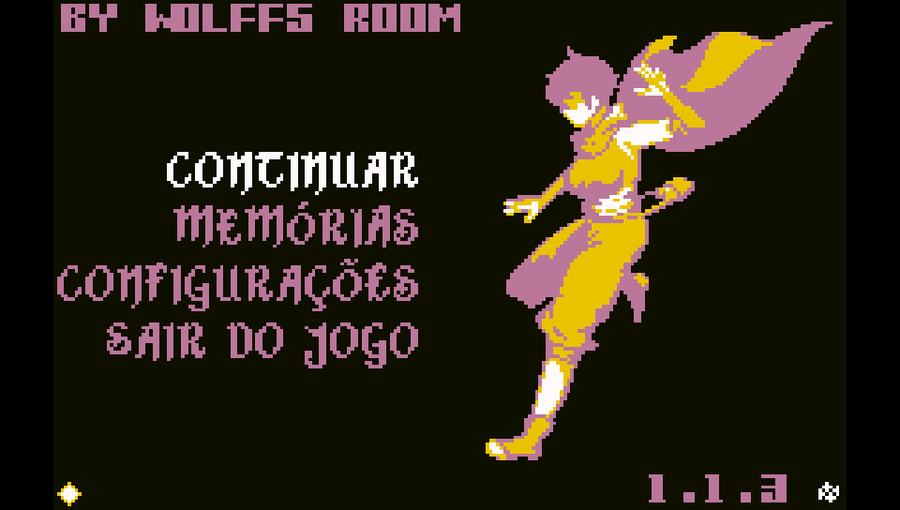
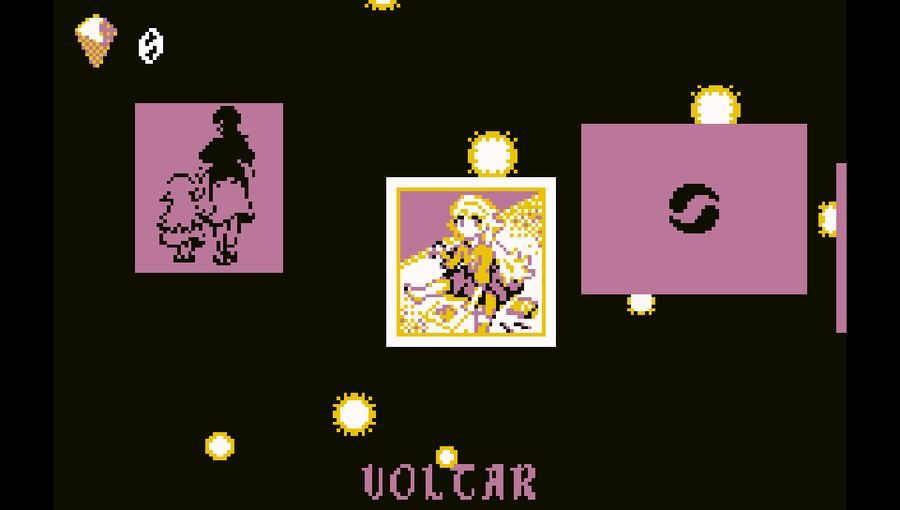
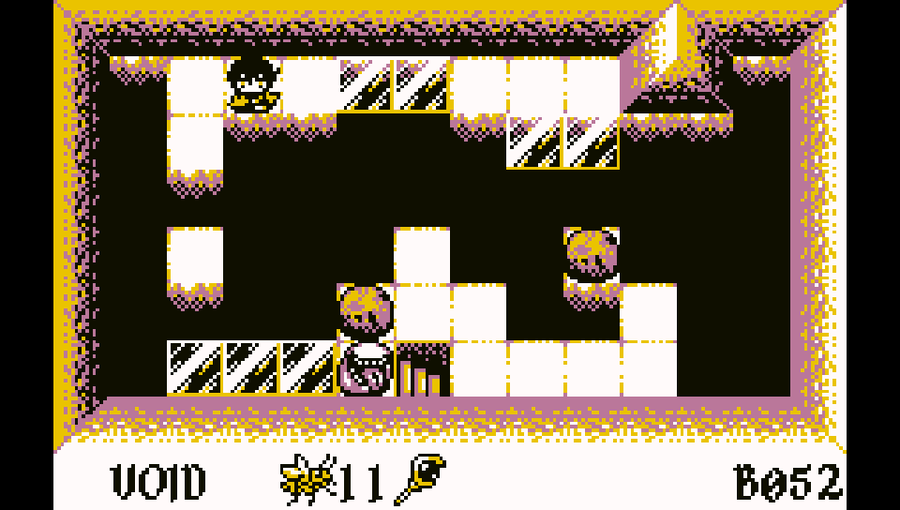
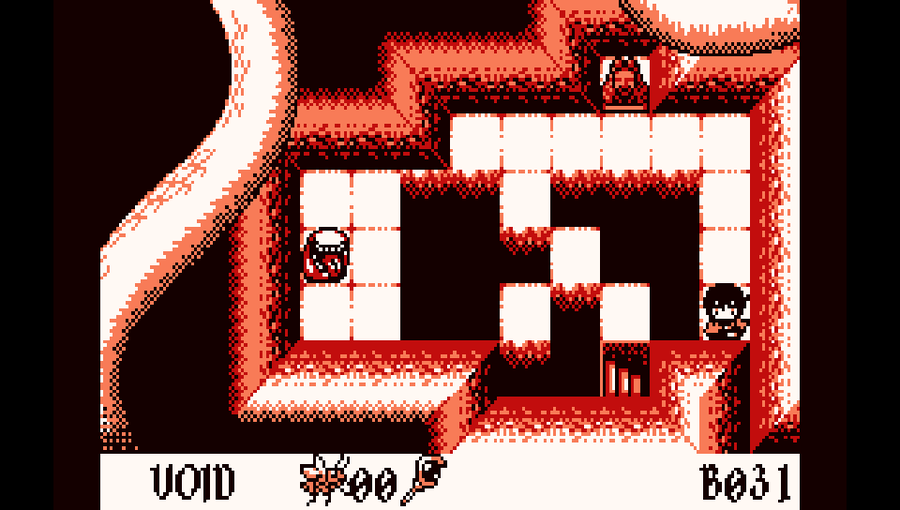
Screenshots
|
|
|
|
How It Works
Void Stranger Vita does not emulate Windows or run the original Windows executable. It reads the official GameMaker data and executes it through a customized native runner:
Official Void Stranger 1.1.3 Steam files
                  |
                  v
        Void Stranger Vita Patcher
                  |
                  v
          Vita-compatible data.win
                  |
                  v
        Customized Butterscotch
                  |
                  v
          VitaGL + OpenAL
                  |
                  v
              PS Vita
Texture pages are decoded from the active data.win on the Vita. BC3-compatible pages are compressed and cached as PVR data, while pages that need a lossless/UI-safe path use RGBA4444 caching. A fingerprint tied to data.win prevents stale caches from being reused after a rebuild.
Build Instructions (For Developers)
Requirements
- Windows 10 or 11;
- PowerShell 5.1 or newer;
- Docker Desktop with Linux containers enabled;
- Git;
- an official and unmodified Steam installation of Void Stranger 1.1.3.
Place the official game files under:
data/Void.Stranger.v1.1.3/
Prepare the Vita data:
powershell -ExecutionPolicy Bypass -File .\scripts\prepare-voidstranger-data.ps1 -Force
Build the VPK:
run_build.cmd
The VPK is generated at:
artifacts/VoidStranger.vpk
The prepared data is generated at:
data/prepared/voidstranger/
Building the Windows patcher
The patcher project is located at:
artifacts/Patcher/Build_Patch/
Run:
Build_Patcher.bat
The build process regenerates the binary data.win patch, embeds the optimized audio and supported language files, then creates VoidStrangerVitaPatcher.exe with PyInstaller.
[!IMPORTANT] Commercial Void Stranger data must never be committed or distributed. Releases should contain only the VPK, patcher/patch data and other files required to transform a legitimate Steam installation.
IA Notice
GPT-5.6 and GPT-6.1 through Codex was used as a development assistant for diagnostics, implementation support, project organization and technical documentation.
Credits
Void Stranger Vita exists because of the work, research and patience of several people, communities and projects:
| Project / contributor | Contribution |
|---|---|
| distheusurper2 | Extensive real-hardware testing, detailed issue reports and repeated validation throughout development. His patience and kindness made a large part of v2.0 possible; this project is as much his as mine, even if he would rather not take the credit. |
| System Erasure | Creators of Void Stranger and the original game, art, audio and design on which this port depends. |
| Butterscotch | GameMaker runner foundation used by the Vita port to execute the original Windows/Steam game data. |
| VitaGL | Graphics layer used to bring the renderer to PS Vita hardware. |
| Void Stranger International | Foundation for the multilingual implementation and community language support. |
| Void Stranger Wiki — Statues | Community documentation and reference material used while researching, implementing and validating statue-related behavior in the Vita port. |
| YoYo Loader Vita compatibility research | Prior PS Vita/GameMaker compatibility research and technical reference material. |
| sinister-kid/voidstranger_vita | Earlier community work and reference material for running Void Stranger on PS Vita. |
A special thanks also goes to the Void Stranger community for documenting the game's mechanics, secrets and behavior in such detail. Community research has been invaluable while reproducing and validating the original experience on PS Vita.
Void Stranger and its assets belong to their respective owners. This is a community-made project and is not affiliated with System Erasure.