MC2BPegasus-Vita
MC2-BP port for PS VITA
| Type | Filename | Size |
|---|---|---|
| DIR | assets | — |
| DIR | extras | — |
| DIR | lib | — |
| DIR | source | — |
| FILE | .gitignore | 127 B |
| FILE | .gitmodules | 119 B |
| FILE | CMakeLists.txt | 8572 B |
| FILE | LICENSE | 1167 B |
| FILE | README.md | 9531 B |
README
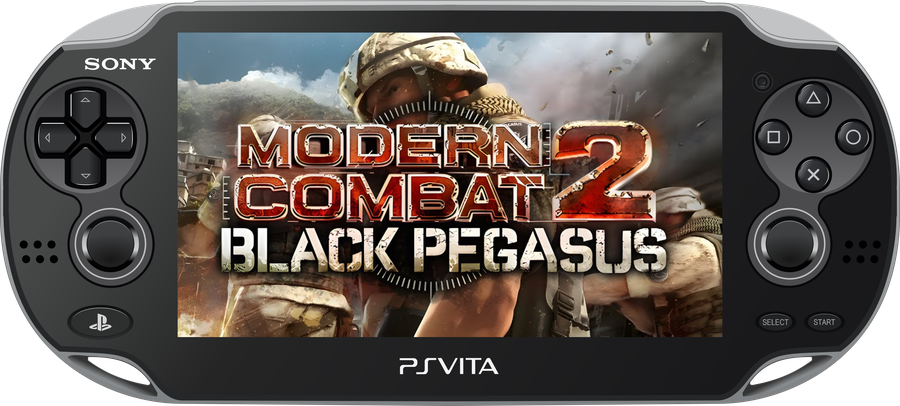
MC2BPegasus-Vita
Unofficial wrapper/port of Modern Combat 2: Black Pegasus for PlayStation Vita.
The port operates by loading the official Android ARMv7 executable directly into memory, linking its dependencies to native functions, providing the JNI environment expected by the game, and translating OpenGL ES calls through vitaGL. In practice, this creates a lightweight Android-like environment where the original executable can run natively on the PS Vita.
Port by MeninoSung
About the port
This project uses an Android shared-object loader and FalsoJNI to run the original libsandstorm2.so library on the PS Vita. The graphics layer is implemented with VitaGL, while platform-specific replacements provide input, audio, filesystem, lifecycle, and media functionality expected by the Android version.
The target game build uses the Gameloft package namespace com.gameloft.android.GAND.GloftBPHP.ML, the Xperia Play device profile, and game data stored under GloftBPHP/data/. The loader reproduces the JNI initialization sequence used by that build instead of relying on a generic android_main entry point.
This port does not distribute the game's commercial data. Users must provide their own legally obtained, compatible Android copy and extract the required files themselves.
Setup Instructions (For End Users)
In order to properly install the game, follow these steps precisely:
- Install kubridge and FdFix by copying
kubridge.skprxandfd_fix.skprxto your taiHEN plugins folder (usuallyur0:tai) and adding the following entries toconfig.txtunder*KERNEL:
*KERNEL
ur0:tai/kubridge.skprx
ur0:tai/fd_fix.skprx
Note: Do not install fd_fix.skprx if you are using the rePatch plugin.
- Optional: Install PSVshell if you want to monitor performance. Overclocking is not required: the port runs at a stable 60 FPS at the PS Vita's standard 333 MHz CPU clock.
- Install
libshacccg.suprx, if you do not already have it, by following this guide. - Obtain a legal copy of Modern Combat 2: Black Pegasus version 1.0.0 for Android ARMv7.
- Do not combine
libsandstorm2.soand data files from different releases.
Supported Android Build
| Property | Value |
|---|---|
| Game | Modern Combat 2: Black Pegasus |
| Version | 1.0.0 |
| Architecture | ARMv7 |
| Native library | libsandstorm2.so |
| Package namespace | com.gameloft.android.GAND.GloftBPHP.ML |
| Data profile | Xperia Play / GloftBPHP |
Only data extracted from version 1.0.0 is supported. Files from other versions may use incompatible native code, resources, or data layouts.
How to Prepare the Game Files
- Extract your legally obtained Android game package and game data for version 1.0.0.
- Locate
libsandstorm2.soin the APK's ARMv7 library folder. - Locate the matching
GloftBPHP/datadirectory. - Create a folder named
moderncombat2with the following structure:
text
   Moderncombat2/
   |-- libsandstorm2.so
   |-- files/
   `-- GloftBPHP/
       |-- CheckPoint.bin
       |-- SaveGame.bin
       `-- data/
           |-- Constants.bin
           |-- 2d.header
           |-- 2d.pak
           |-- 3d.header
           |-- 3d.pak
           |-- automat.header
           |-- automat.pak
           |-- structs.header
           |-- structs.pak
           |-- texts.header
           |-- texts.pak
           |-- audio/
           `-- intro/
               `-- logo.mp4
- Keep all files from the same version 1.0.0 release together. Do not replace individual files with data from another version.
Installation on PS Vita
- Install
MC2BPegasus-Vita.vpkon your PS Vita using VitaShell. - Copy the prepared
moderncombat2folder toux0:data/. - Verify that the files are located at these paths:
text
   ux0:data/moderncombat2/libsandstorm2.so
   ux0:data/moderncombat2/GloftBPHP/data/
- Launch PegasusVita from the LiveArea.
If startup fails, check ux0:data/moderncombat2/port.log. The loader also creates ux0:data/mc2_boot.log when the application reaches its main entry point.
Language
The supported languages are:
- English
- French
- German
- Italian
- Spanish
- Japanese
For the best compatibility, set the game to English after the first launch:
Options > Languages > English
Controls
The port supports the front touchscreen, both analog sticks, and the physical PS Vita controls. The physical buttons are exposed to the game using its original Xperia Play mappings.
| Control | Action |
|---|---|
| Left analog stick | Movement |
| Right analog stick | Camera / aiming |
| D-pad | Android D-pad directions |
| Cross | D-pad center / confirm |
| Circle | Back |
| Square | Xperia Play X button |
| Triangle | Xperia Play Y button |
| L / R | Xperia Play L1 / R1 |
| START / SELECT | Start / Select |
| Front touchscreen | Menus, touch controls, and on-screen interactions |
The exact in-game action of each Xperia Play button can vary by screen and control configuration.
Screenshots
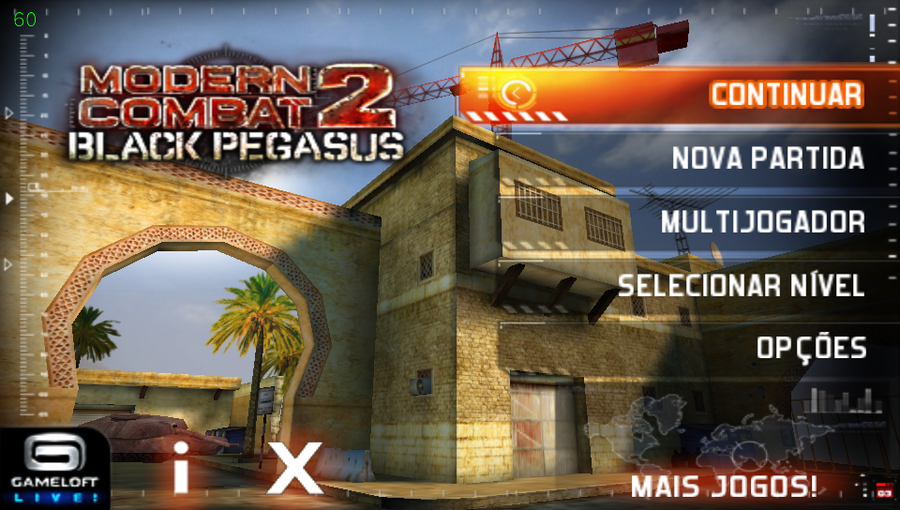
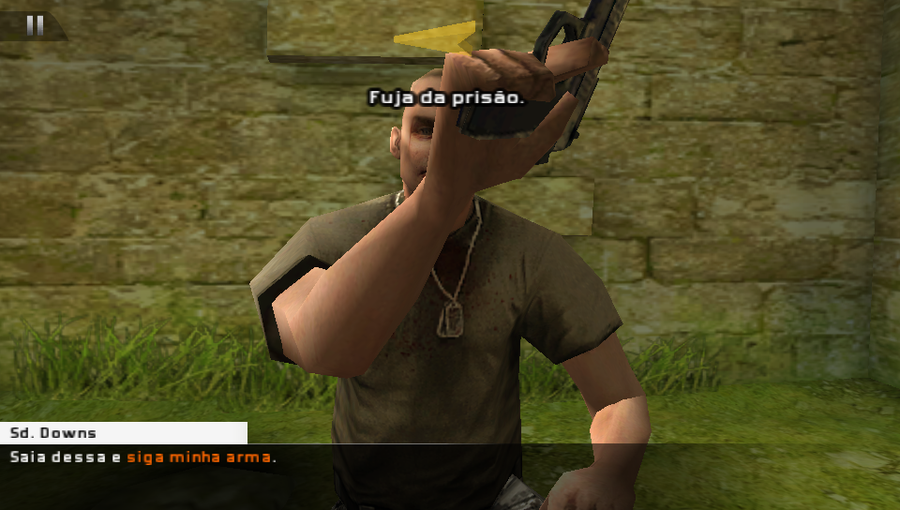
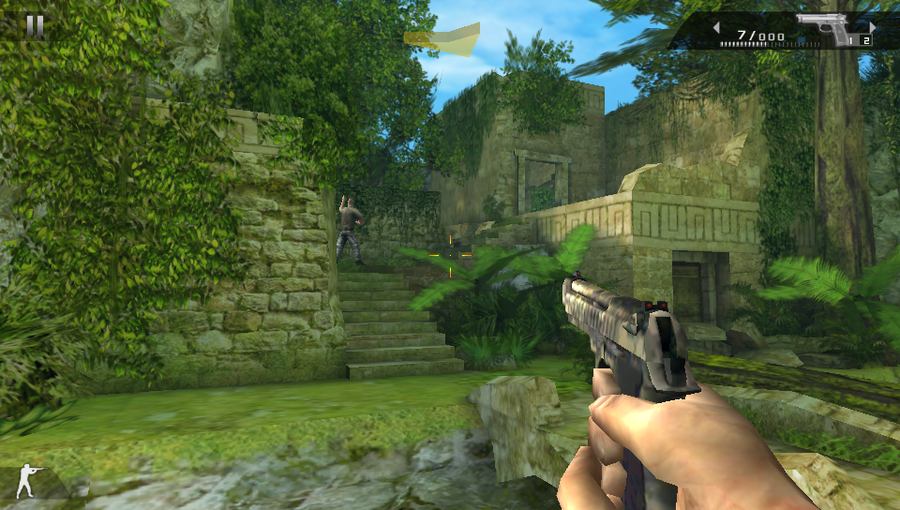
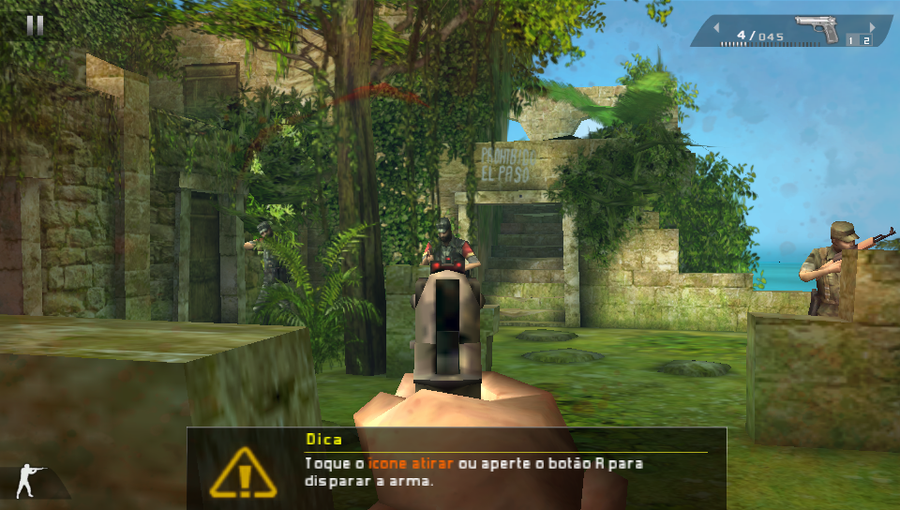
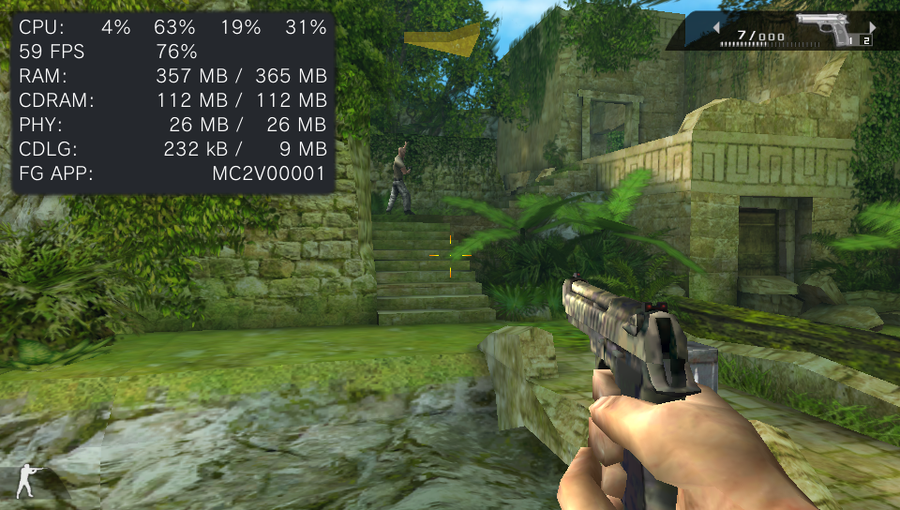
The game runs at a stable 60 FPS on standard PS Vita clocks, including the default 333 MHz CPU clock. Overclocking is not required for normal gameplay.
Build Instructions (For Developers)
Requirements:
- VitaSDK configured through the
VITASDKenvironment variable; - an ARM
softfptoolchain and compatible dependencies; - vitaGL, vitashark, FalsoJNI, OpenSLES, and the audio libraries referenced by
CMakeLists.txt; kubridge.skprxinstalled on the target Vita.
Compile
cmake -S . -B build -DCMAKE_BUILD_TYPE=Release
cmake --build build
The current repository includes the distributable as MC2BPegasus-Vita.vpk. A local CMake build generates Pegasus_Vita.vpk with title ID MC2V00001. By default, the loader expects the game files at ux0:data/moderncombat2/. The path can be changed at configure time:
cmake -S . -B build \
  -DDATA_PATH="ux0:data/moderncombat2/" \
  -DGAME_SO_PATH="ux0:data/moderncombat2/libsandstorm2.so"
cmake --build build
Debug builds enable additional loader diagnostics:
cmake -S . -B build-debug -DCMAKE_BUILD_TYPE=Debug
cmake --build build-debug
Known Issues
- Touch input still has some interaction bugs caused by conflicts with the virtual movement joystick.
- Some textures, including weapons lying on the ground, are missing.
- Files from Android releases other than version 1.0.0 are not supported.
- Network services, purchases, and integrations tied to discontinued Android or Gameloft infrastructure are not supported.
Legal Notice
This is an unofficial, free, non-commercial port. Modern Combat 2: Black Pegasus, Modern Combat, Gameloft, and all related assets and trademarks belong to their respective developers and copyright holders.
This repository must not be used to distribute commercial APKs, native libraries, or game data. Use only files from a copy you obtained legally and support the original developers.
Credits
The loader code is derived from work by Volodymyr Atamanenko and the wider PS Vita Android-porting community. FalsoJNI is distributed in lib/falso_jni under its own license. Rights to Modern Combat 2 and its assets belong to their respective owners.
- Port by MeninoSung
- TheFloW for the original Android
.soloading research and infrastructure. - Volodymyr Atamanenko (
v-atamanenko) for the loader, FalsoJNI-related work, and Gameloft porting references. - Rinnegatamante for VitaGL.
- VitaSDK contributors and the PS Vita homebrew community.
- Original game by Gameloft and its respective rights holders.
AI Notice
Artificial intelligence tools (Codex/ChatGPT) were used to assist with code analysis, compatibility investigation, documentation, and the iterative development process.